What is Gorilla?
A tiny app that helps you stich together free tools to make your own YouTube kids.
Overview
Gorilla helps you create self-hosted websites that provide a safe, controlled environment for children to watch YouTube content. Unlike YouTube Kids, which relies on algorithms, and locks away some content at seeming random, Gorilla gives parents complete control over what their children can watch.
In other words, we trust you. You know best; and Gorilla gets you up and running.
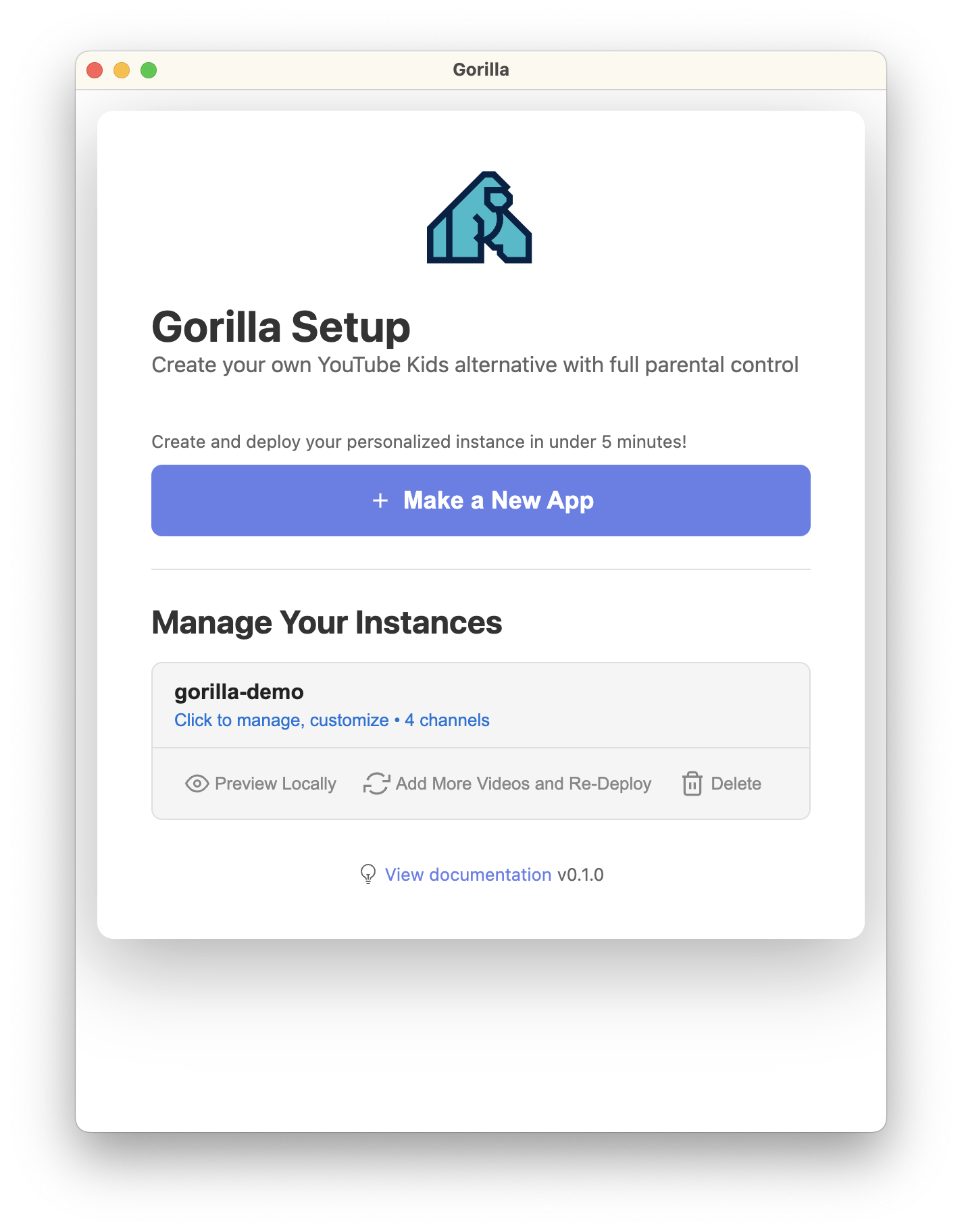
Demo
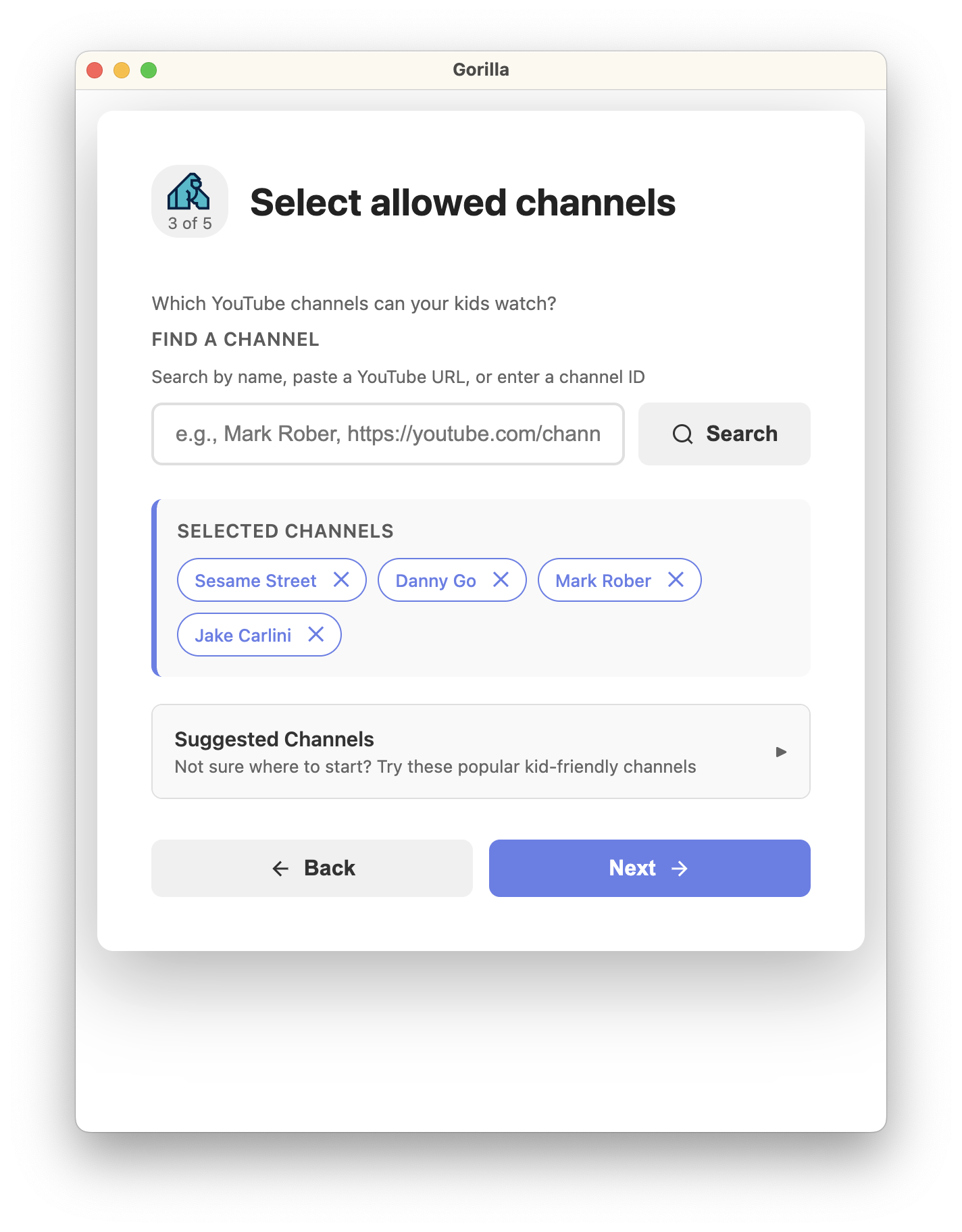
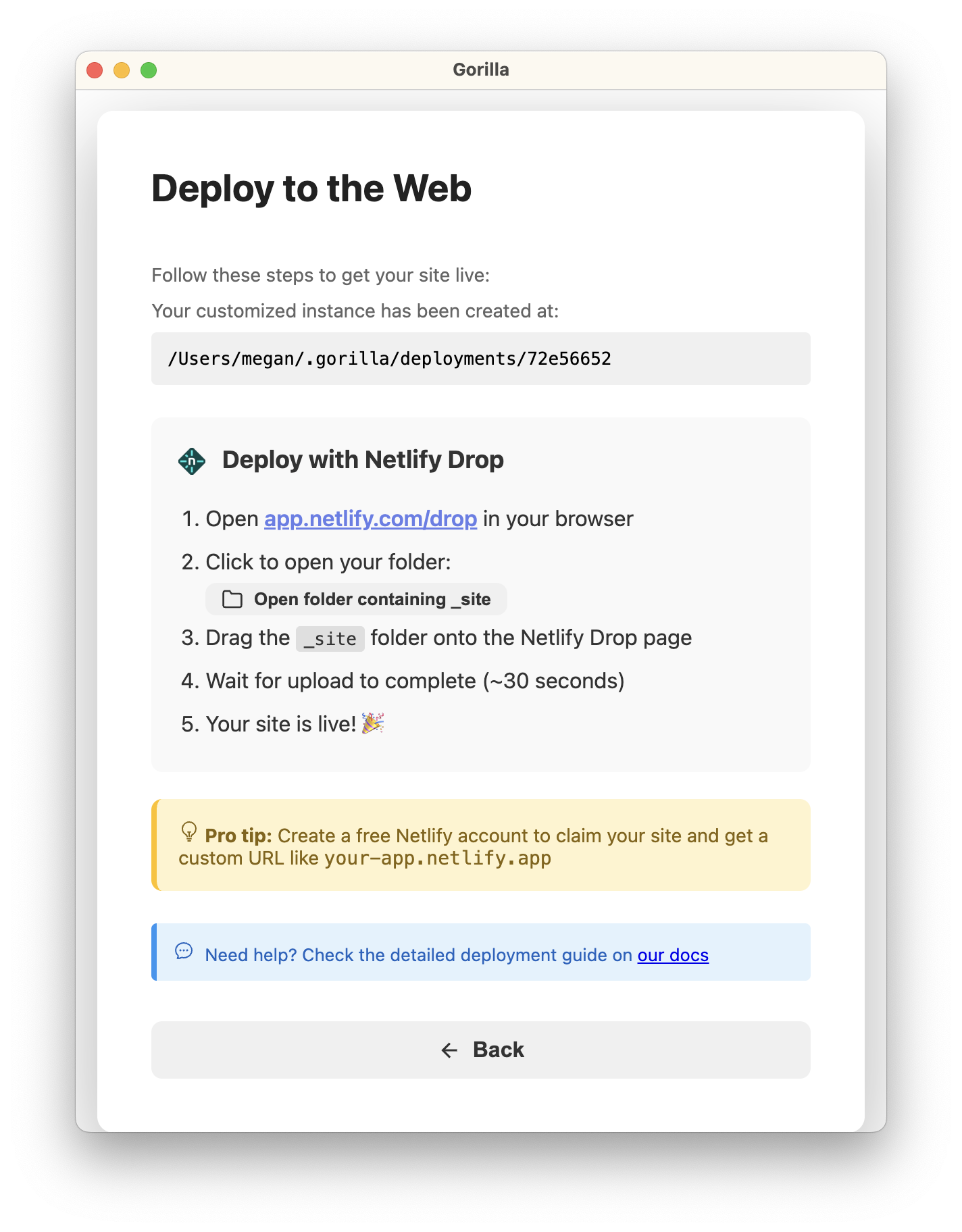
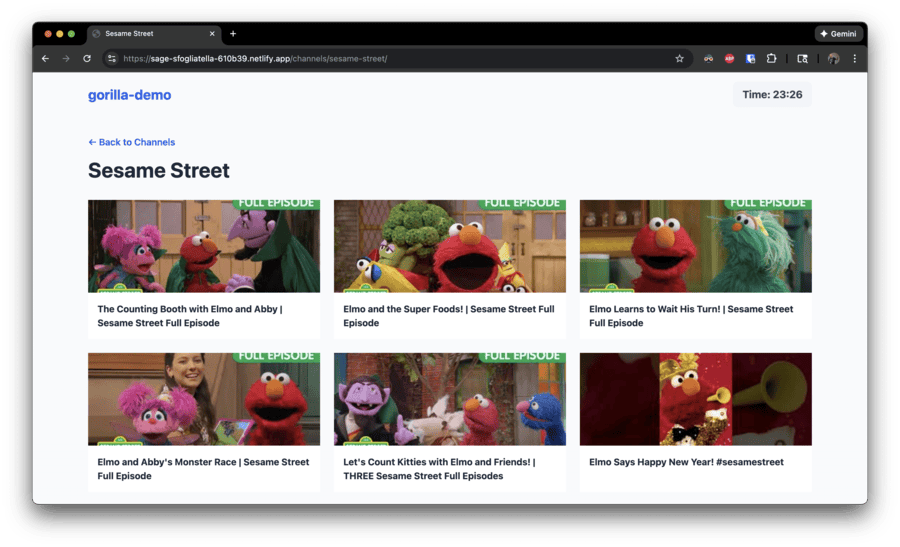
A slightly abbreviated flow, to give you a sense...
Key Features
Curated Content
You choose exactly which YouTube channels your children can access. Every video comes from a channel you've personally approved.
Ad-Free Experience
No advertisements, no tracking, no distractions. Just pure, clean video watching without interruptions.
Built-in Timer
Set screen time limits with a countdown timer. When time expires, the app locks with PIN protection until you decide to extend it. They want more time? They need to have a talk with you.
Self-Hosted
You own and control your instance. Deploy it to free hosting platforms like Netlify, Cloudflare, Vercel, or GitHub Pages. No subscriptions, no recurring fees.
Works Everywhere
Responsive design that works beautifully on desktop, tablet, and mobile. No app installation required—just open in a browser. Save to the home screen so it looks like an app. Done.
How It Works
-
1
Choose Your Channels: Select YouTube channels from creators you trust—educational content, entertainment, science, arts, whatever. Where the selection seems arbitrarily limited on YouTube Kids, or a creator misconfigured their presence, you have the final say.
-
2
Configure Settings: Set up your app name, timer duration, and PIN code. We walk you through obtaining a YouTube API key to load the videos.
-
3
Deploy Your Instance: Use free hosting platforms like Netlify, Cloudflare, or Vercel to deploy your personalized Gorilla instance.
-
4
Share With Your Kids: Give them the URL and let them enjoy safe, curated content with automatic time limits.
-
5
Refresh: Redeploy the site any time to get more videos, add or remove a channel. Up to you. By design.
Technical Architecture
Gorilla is built using modern, reliable web technologies:
- Electron: A tool to make native app development easier. This is what you download.
- 11ty (Eleventy): Static site generator that builds fast, optimized HTML. Gorilla generates these for you to host.
- YouTube Data API: Fetches video information from approved channels
- Vanilla JavaScript: Client-side timer and PIN protection logic
- Static Hosting: No server required—just HTML, CSS, and JavaScript
The site is generated at build time, pulling the latest videos from your selected channels. Once built, it's a completely static website that can be hosted anywhere—no databases, no servers, no complex infrastructure.
Who Is Gorilla For?
Gorilla is perfect for:
- Parents who want more control over their children's YouTube consumption
- Educators who need a safe platform for classroom video content
- Families concerned about ads, tracking, and inappropriate content
- Tech-savvy users who want to self-host their own solutions
- Organizations or Companies that want to curate their channels into a microsite. Think Robotics programs, sports teams, band...etc
- Anyone looking for an alternative to YouTube Kids' algorithm-driven approach
Cost
Gorilla itself is $9 during public beta. Other optional costs you'll encounter are:
- YouTube API: Free for typical usage (10,000 quota units/day)
- Hosting: Free on Netlify, Cloudflare, Vercel, or GitHub Pages for small-to-medium usage
- Domain (optional): ~$10-15/year if you want a custom domain
For most families, Gorilla costs $0 to run after initial setup.
Ready to Get Started?
Check out the requirements and setup guides to deploy your own Gorilla instance.